
Chart editor, garment calculator and PDF studio.
All the tools of KnitLab Studio in one place — what each one does and in which plan you will find it.
Plan labels show where each tool is available. Basic €10 / month with a 3-day free trial, Premium €25 / month.
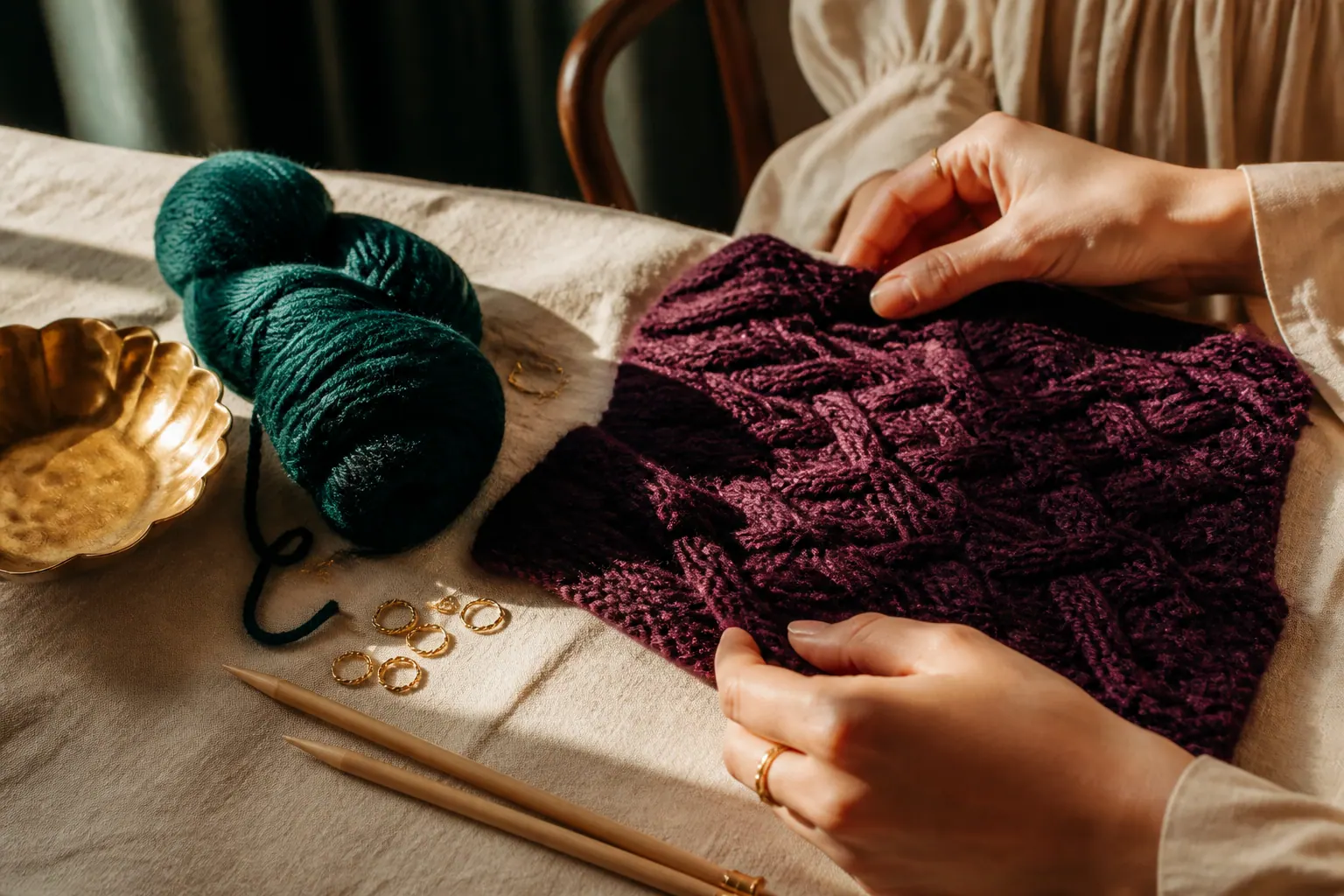
Knitting chart editor
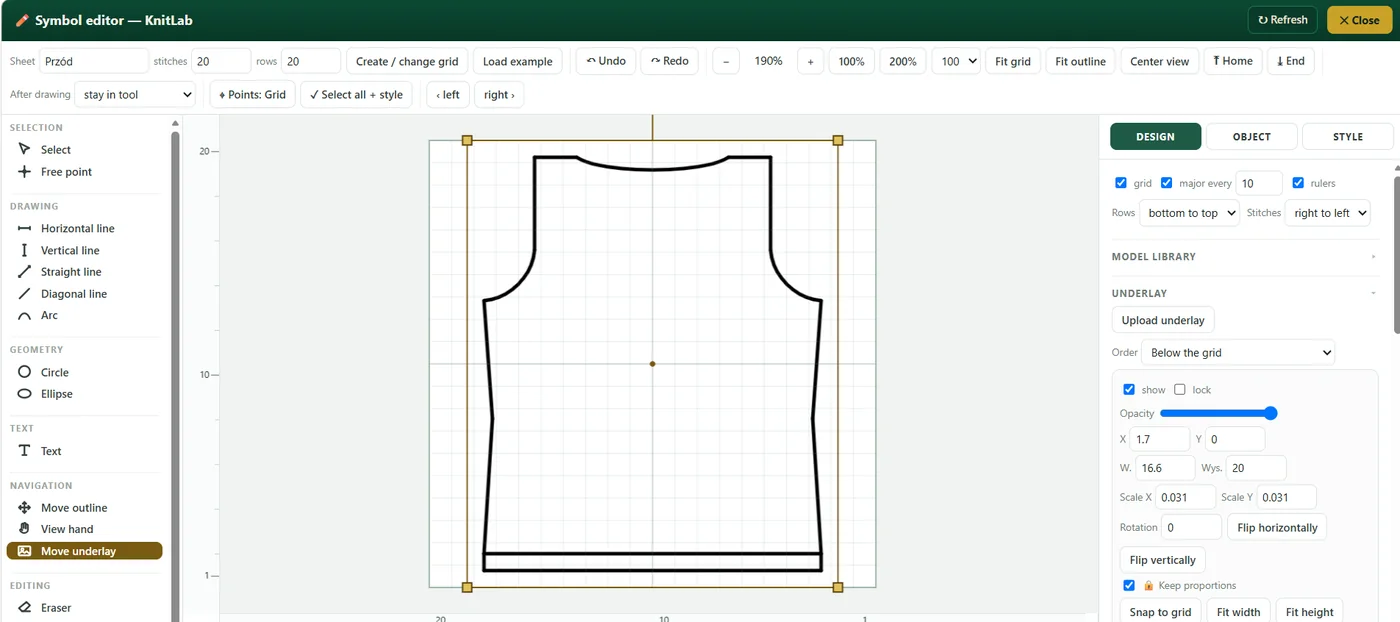
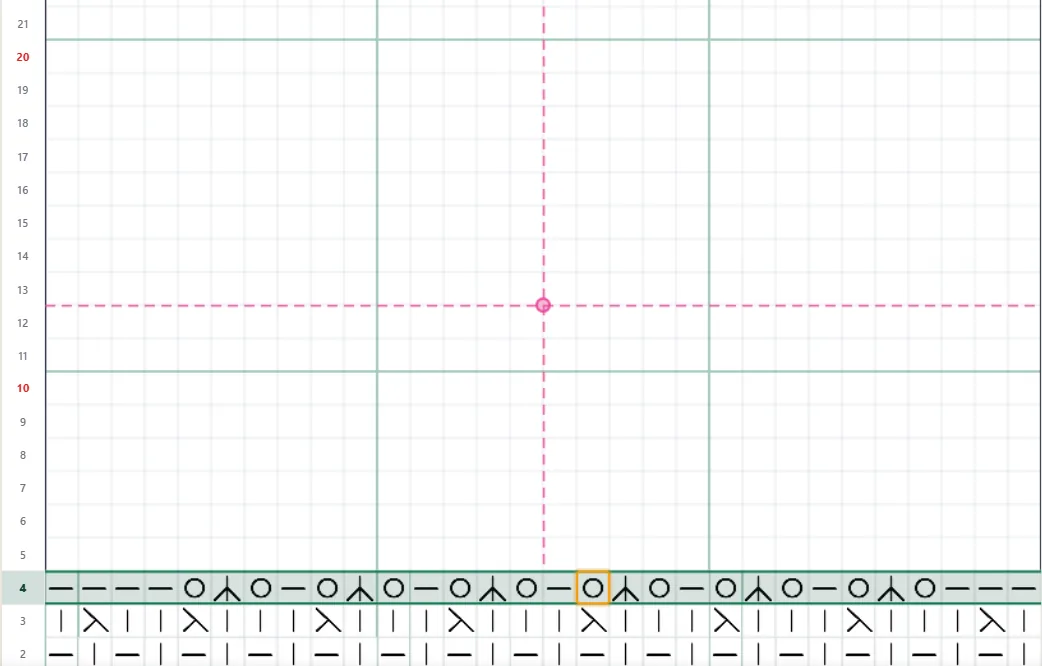
Draw charts on a grid of any size. Place symbols stitch by stitch or paint with a drag, add guide lines every few stitches and rows, and draw garment outlines with straight lines, diagonals and arcs. Rows are numbered on both sides of the grid, and one project can hold several chart tabs — front, back, sleeve.
Japanese knitting symbols and your own symbols
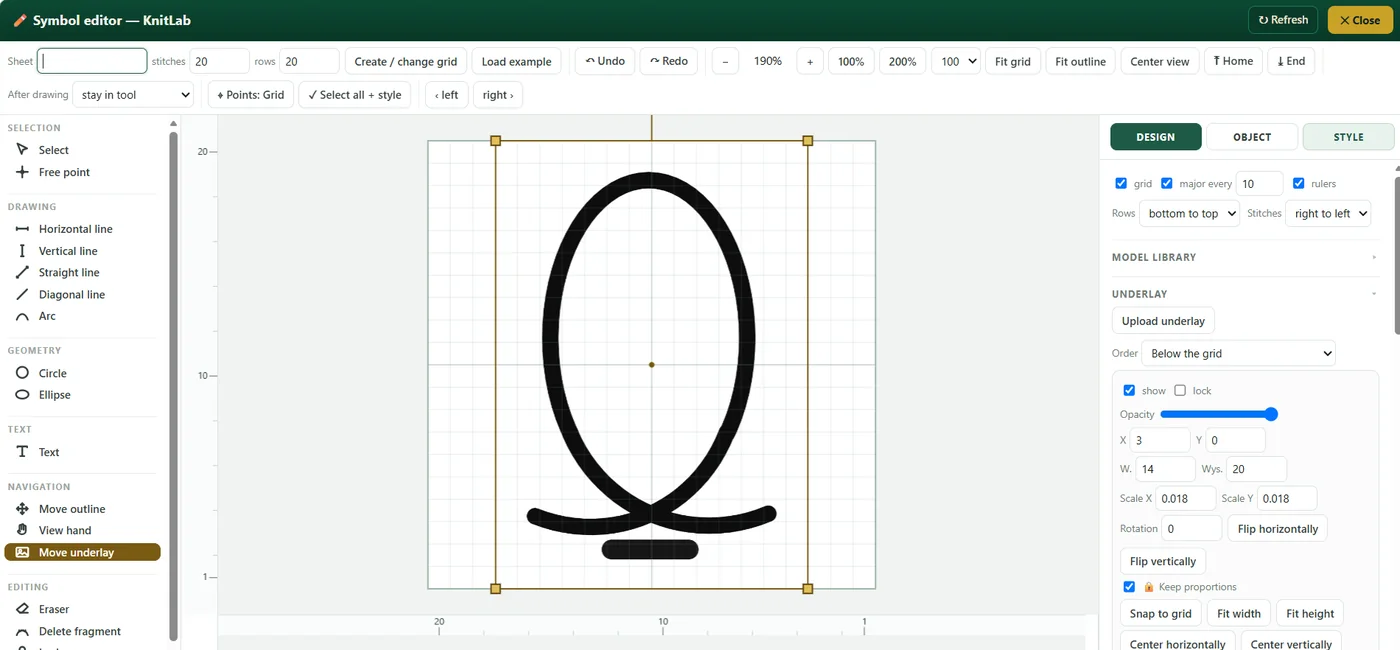
The palette includes Japanese (JIS) chart symbols — knit and purl, increases, decreases and cables — in clear sections. If a symbol is missing, draw it in the symbol editor: lines, arcs, circles and ellipses snap to the grid, every symbol keeps the same line weight, and you decide how many stitches and rows it covers.
Your own repeat library
The library starts empty and you build it yourself — KnitLab gives you no ready-made patterns, so everything in it is your own design. Select any group of cells on your chart — even an uneven shape — and save it as a named repeat. Sort repeats into categories, mark favourites and place any of them on a chart with one click, as many times as you need. Every chart and every motif can be saved as a JSON file and loaded again — as a backup, on another computer or in a new project.
Colourwork: jacquard and intarsia
Paint the background of cells one by one or in a single gesture, then move and repeat a finished fragment together with its colours. The colour composition comes together without counting every stitch by hand.
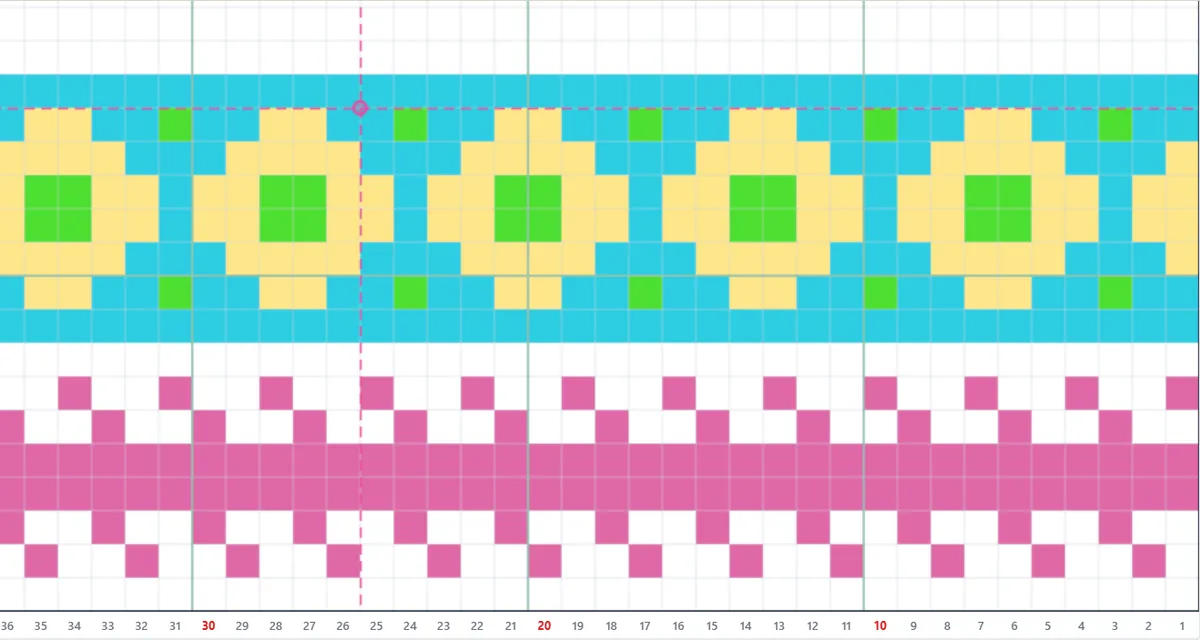
Photo pattern
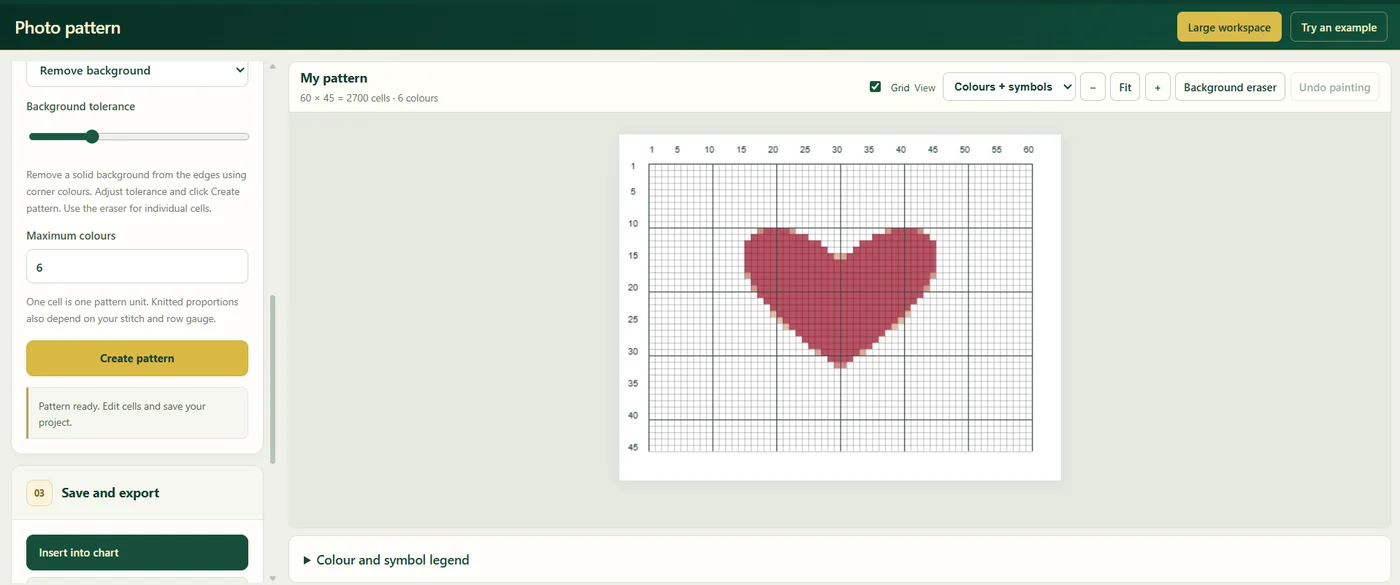
Turn a photo or an illustration into a colourwork chart: choose the number of colours, remove the background, correct single cells and insert the motif into your main chart.
Garment constructor
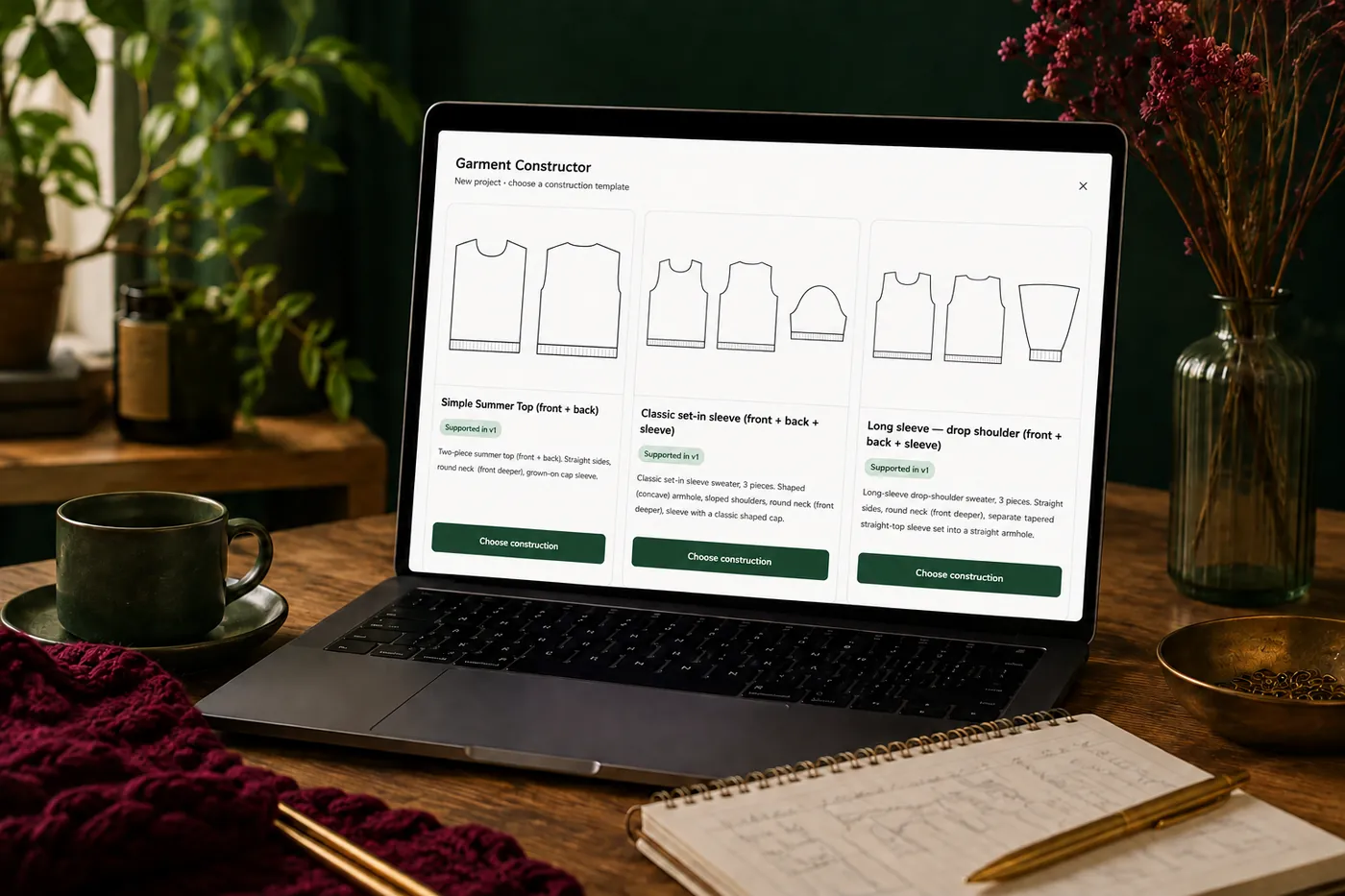
Four sweater generators — a summer top, a long-sleeve sweater with straight shoulders, a bow sweater and a wide-shoulder sweater with sewn-on sleeves. Enter your gauge and your own measurements in the tables, and KnitLab converts them into stitches and rows and draws every piece as a chart you can keep designing on.
Calculate from your swatch
Enter your gauge and the measurements of the finished sweater, and the calculator works out a drop-shoulder sweater with sleeves sewn on along a straight line — the front, the back and the sleeve: how many stitches to cast on, how to divide the top into shoulders and neckline (your own width or the 1/3 + 1/3 + 1/3 and 1/4 + 1/2 + 1/4 rules) and how to shape the round neckline. The shoulders are straight by default, so the top has only the neckline cut-out; if you want, you can add a shoulder slope in short rows (German or Japanese method) or bound off in steps. It also shows where the armhole is and how often to increase on the sleeve. Every number comes with the calculation and the rule behind it. Fit the stitch count to your pattern repeat, download all calculations as a PDF, and draw the front, back and sleeve on the grid in one click — the outline matches the calculation, including the shoulder slope if you choose one.
Raglan constructor
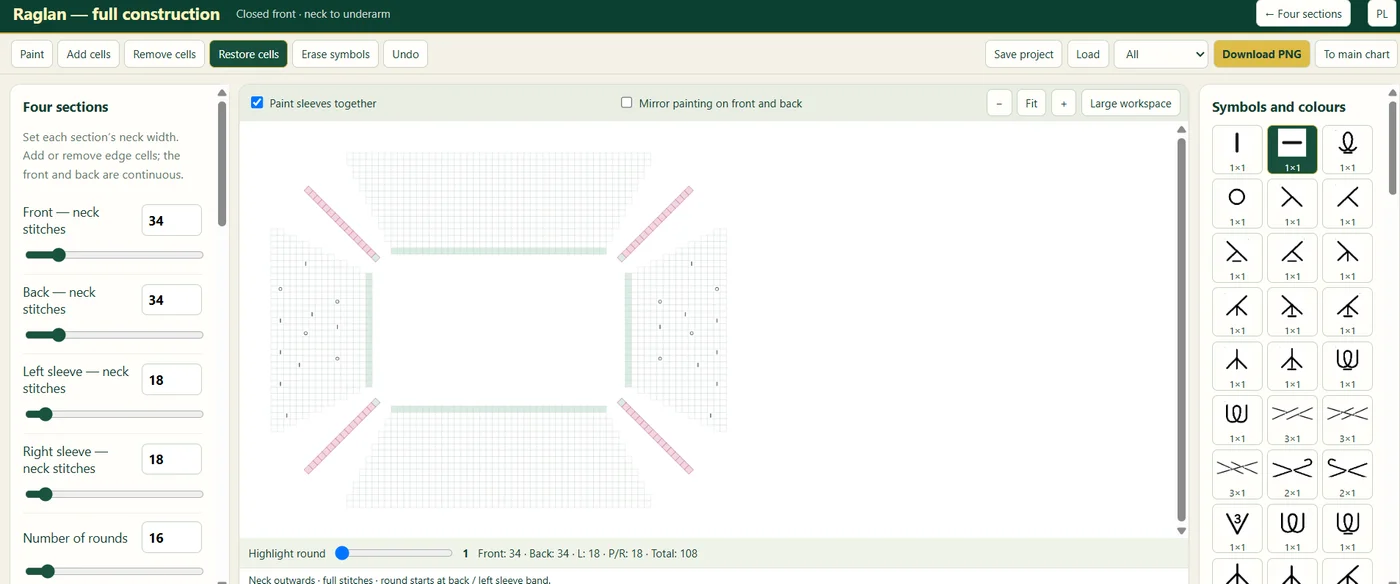
Design a raglan from the neckline to the underarms with the front, the back and both sleeves in one view. Set the neck stitches of each part, add or remove edge cells, paint both sleeves together or mirror the front and back, and highlight a round to read its stitch counts.
V-neck and collars
Choose a V-neck variant — with one, two or three centre stitches — set the stitches on the shoulder and the rows at the edge, and paint the collar with the same symbols as the rest of the project.
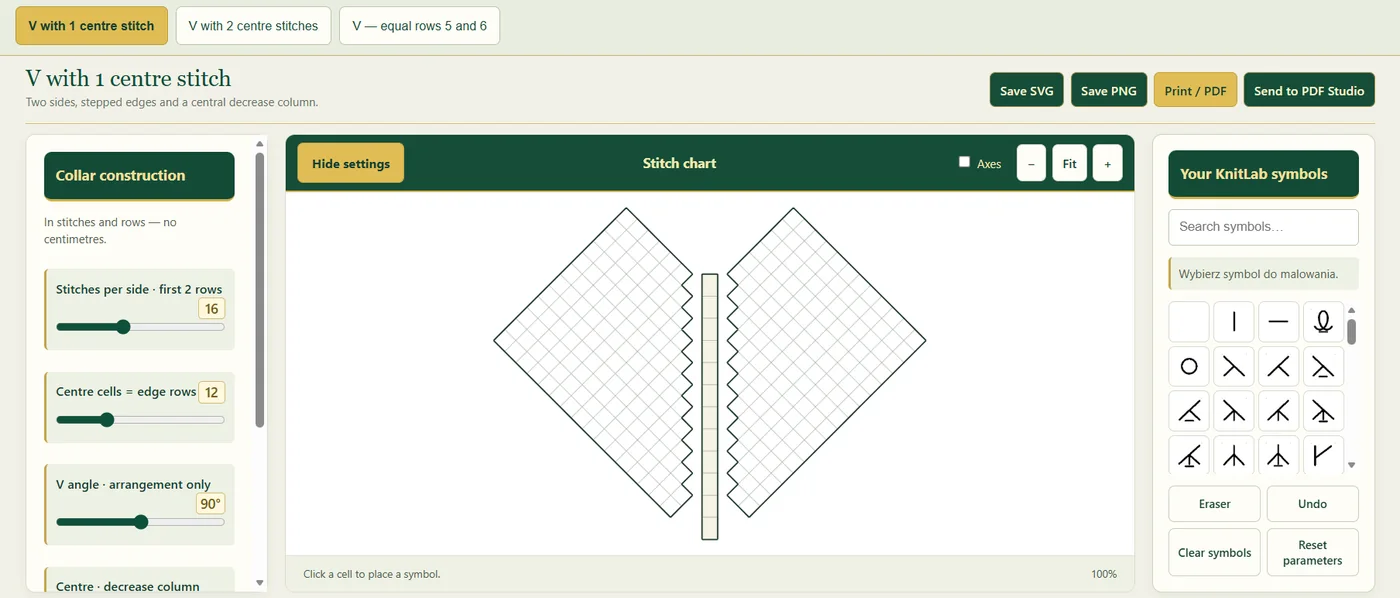
Photo underlay
Place your own sketch or photo under the chart, move, scale and rotate it until it fits, and trace it. A freehand idea becomes a precise chart.
Repeat lines and placing motifs by hand
Mark repeat lines on the front, back and sleeves and place motifs exactly where they belong. The motif preview stays where you put it, the arrows move it by 1, 5 or 10 cells, the stitch and row fields show its exact position, and Space or Enter inserts it. Alignment guides show the nearest even position in the repeat layout. Premium adds splitting repeats.
Automatic repeat layout across the whole chart
Tell KnitLab which patterns the piece should carry — the width of each and how many times it repeats — and the repeats are laid out across the whole chart at once: filling the full width, one repeat in the centre, or a centre panel with two sides. Centre or mirror the whole layout, follow the symmetry suggestion, and your saved motifs are inserted into every repeat automatically, from the bottom up — symbols that would cross the outline of the piece are skipped. In the raglan, motifs repeat from the neckline to the underarms.

Grid shape: cut out and add cells
A knitted piece is rarely a rectangle. Remove the cells you do not need — along a neckline, an armhole or a shaped edge — so that the grid takes the exact shape of the piece and holds only the stitches that are really knitted. Need more room? Add cells back at the edges or inside the grid. You click or drag, and Undo restores every change.
Repeat colours and piece outline
Colour the background of the cells to mark repeats and pattern zones, as in Japanese charts, and keep drawing symbols on top. A thick outline drawn along the grid lines shows the shape of each piece — for example the silhouette of a sleeve. When you move a fragment, its background colours can move with it.
Knitting mode
Knitting mode highlights the row you are working on and leads you through the chart row by row. Move up and down with the arrows or the keyboard, see the row number, how many rows the chart has and a progress bar, and click a stitch to see exactly which stitch you are on. After a break you pick up the work without searching for your place.
Yarn calculator
Weigh a small swatch, enter its size and the size of the project, and KnitLab estimates how much yarn you need — for a sweater, a hat or a scarf.
PDF Studio
Lay out the finished pattern yourself: cover, charts, notes, photos, your logo and your fonts. Export PDF and PNG files to print or to send. Premium adds 4 PDF project templates and clean exports without the KnitLab logo, ready to sell.

Projects in the cloud, in Polish and English
Your projects are saved to your account, and you can also back them up to a file. The whole interface works in Polish and in English.