You stay the designer
KnitLab Studio is not an AI pattern generator. Every chart, construction and page is yours — the studio takes over the counting and the drawing.
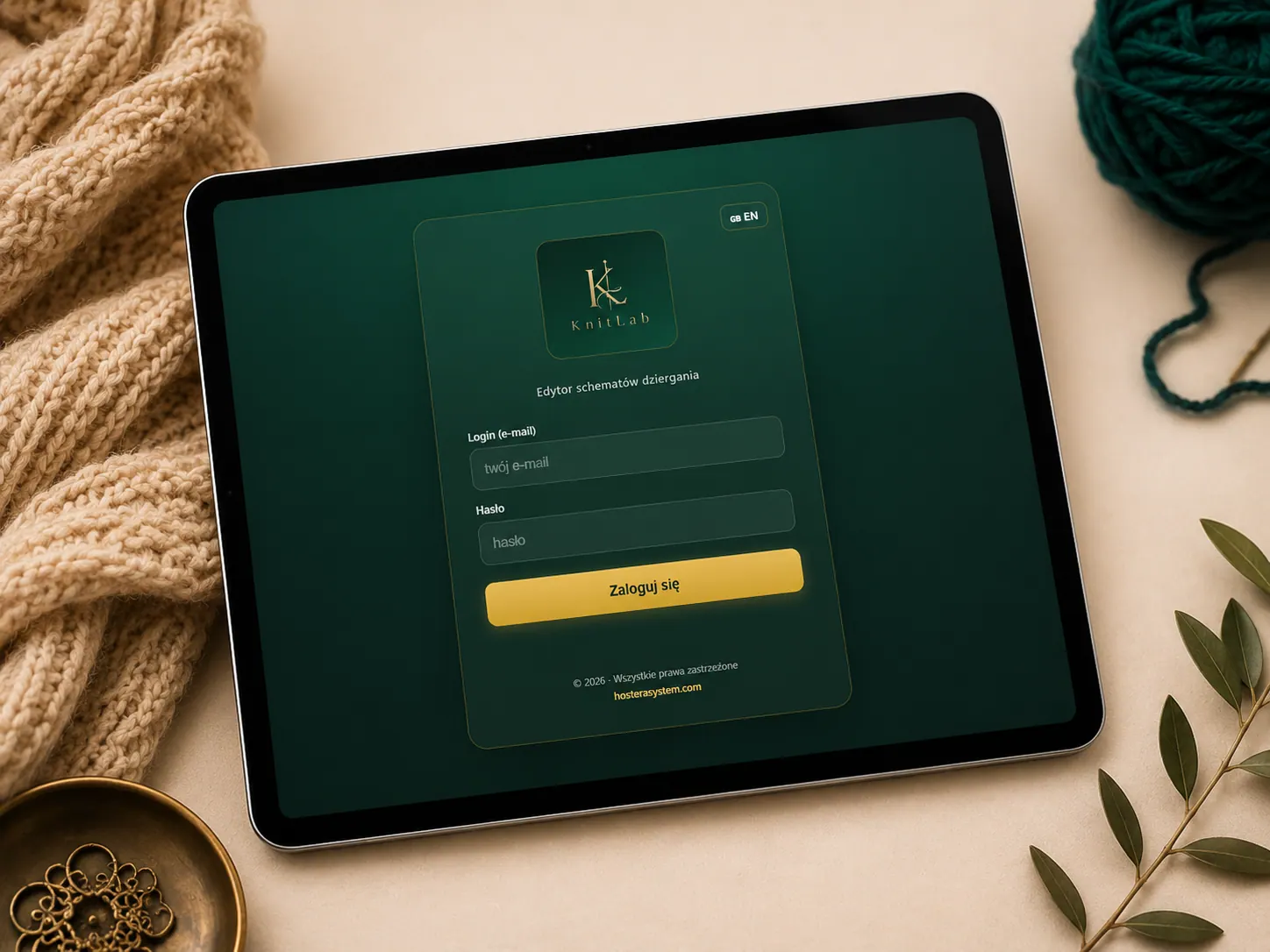
KnitLab Studio is an online studio for knitwear designers. Draw charts with Japanese knitting symbols, calculate a sweater from your own gauge and measurements, place your motifs on the garment and lay everything out as a professional PDF pattern — in your browser, with nothing to install.
A knitting pattern is usually made in several places at once: the chart on squared paper or in a spreadsheet, the calculations in a notebook, the instructions in a text editor and the layout in yet another program. KnitLab Studio brings this together. You draw the chart, calculate the garment, place the motifs and prepare the finished document in one project — and every change stays in one place.
KnitLab Studio is not an AI pattern generator. Every chart, construction and page is yours — the studio takes over the counting and the drawing.
Enter your gauge and your measurements in centimetres. KnitLab converts them into stitches and rows for every part of the garment.
Finish with a polished PDF or PNG. In Premium the export is clean, without the KnitLab logo — ready to sell under your own name.
Five steps, one project. The detailed description of every tool is on the Features page.
Draw the chart on a grid with knitting symbols — Japanese ones or your own — and cut the grid to the shape of the piece.
Choose one of four sweater generators — a summer top, a long-sleeve sweater with straight shoulders, a bow sweater or a wide-shoulder sweater with sewn-on sleeves — or the raglan constructor, and fill in the tables with your gauge and your own measurements. KnitLab converts them into stitches and rows and draws every piece as a chart. Prefer to calculate it yourself? The swatch calculator shows every calculation step by step.
Save your own repeats in a library and place them by hand — or, in Premium, across the whole chart at once.
Knitting mode highlights the current row and leads you through the chart row by row.
Lay out cover, charts, photos and notes, and export the finished PDF.
Your library starts empty and grows with your work — KnitLab gives you no ready-made patterns, so everything in it is your own design and nobody's copyright is at stake. Every repeat you work out — a cable, a lace panel, a texture — you save once and use again in every project. When the piece is ready, KnitLab lays your repeats across the whole chart at once: front, back or sleeve, centred or symmetrical, neatly following the neckline and the edges.
Repeat library: Basic and Premium · Automatic layout across the chart: Premium
See how repeats work →
Gauge, measurements, ease and a little arithmetic: how centimetres become stitches and rows, and why the swatch decides everything.
Read the guide →Dividing the neckline, planning the raglan increases, matching the yoke depth to the armhole and separating the sleeves — step by step.
Read the guide →Why Japanese patterns are drawn instead of written, how to read a chart row by row and what to do when a symbol is missing.
Read the guide →An online program for designing knitting patterns. You draw charts with Japanese and your own knitting symbols, calculate garments from your gauge and measurements, place motifs and repeats, and export a finished PDF pattern. It runs in the browser.
No. KnitLab Studio works in a browser such as Chrome or Edge on your computer. You log in and start working; your projects are saved to your account.
Yes. The palette includes Japanese (JIS) chart symbols for knit and purl stitches, increases, decreases and cables. You can also draw any missing symbol yourself in the symbol editor.
Yes — in your own measurements. You enter your gauge and your measurements in centimetres, and KnitLab converts them into stitches and rows for every piece. It does not choose a size for you: you decide the measurements, and the guide explains how to take them.