KnitLab
It began with a single conviction: a knitting pattern deserves the same precision as a well-cut dress. KnitLab is my answer — a place where technical precision meets creative freedom, and the finished chart looks as beautiful as the work itself. I am making it for people who see knitting not only as a hobby, but as a craft.
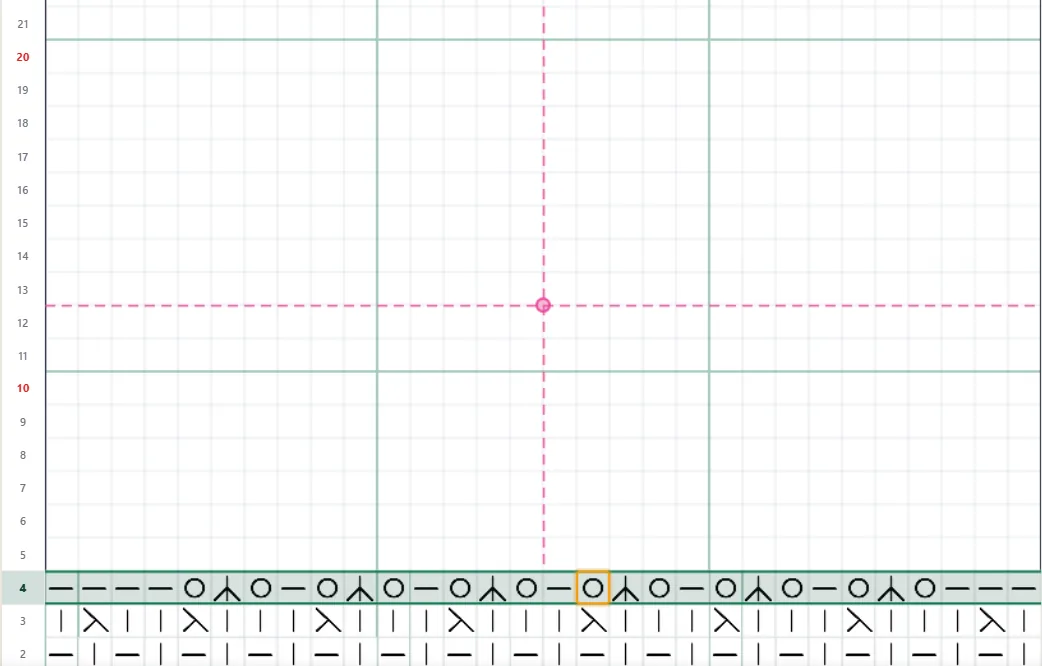
Linear chart editor
Create precise linear charts and garment outlines directly on the grid. Draw straight lines, diagonals, arcs and geometric forms, then scale and position every element with full control.
Custom Symbol Creator
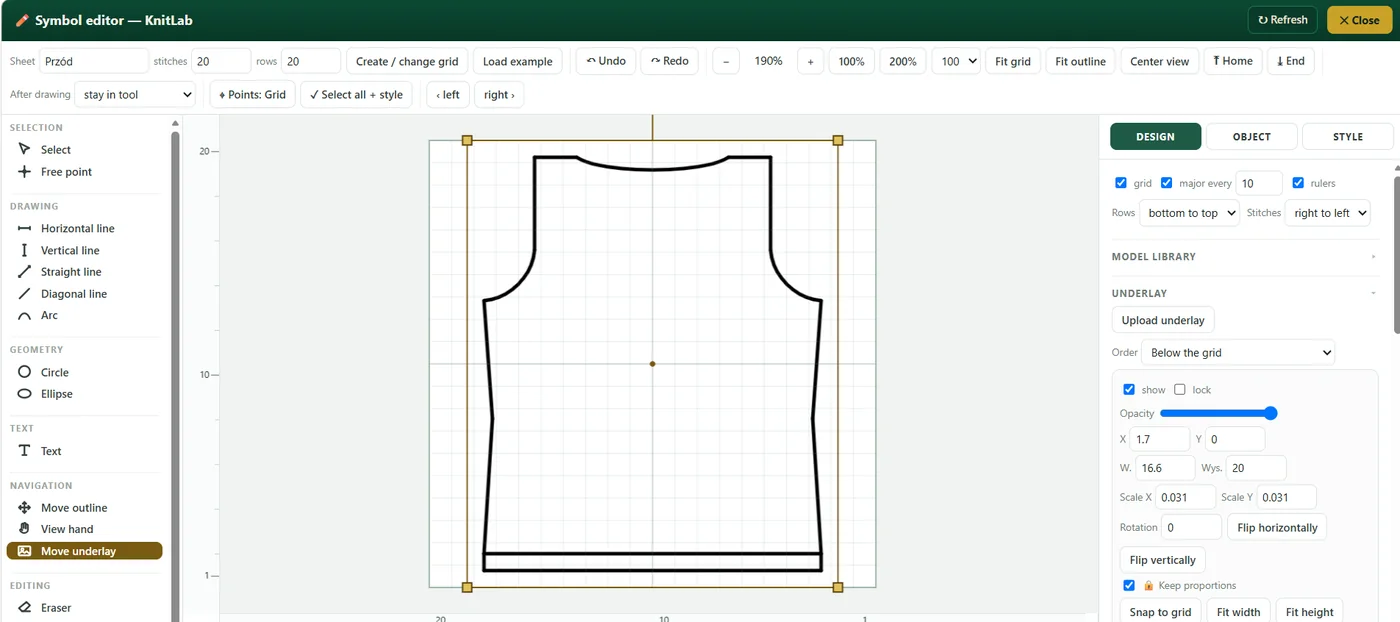
I will not lock you into a ready-made set. If you need a mark that is not there — you simply draw it. You create your own symbols, rotate them, scale them, name them your way, and then use them like any other. KnitLab adapts to your language, not the other way around.
Motif library
A motif once worked out — a cable, a lace, a leaf — goes into your private library and returns whenever you need it. You place it exactly where it belongs and stamp it onto the chart as many times as you like. No more redrawing the same pattern over and over — your favourite motifs stay within reach.
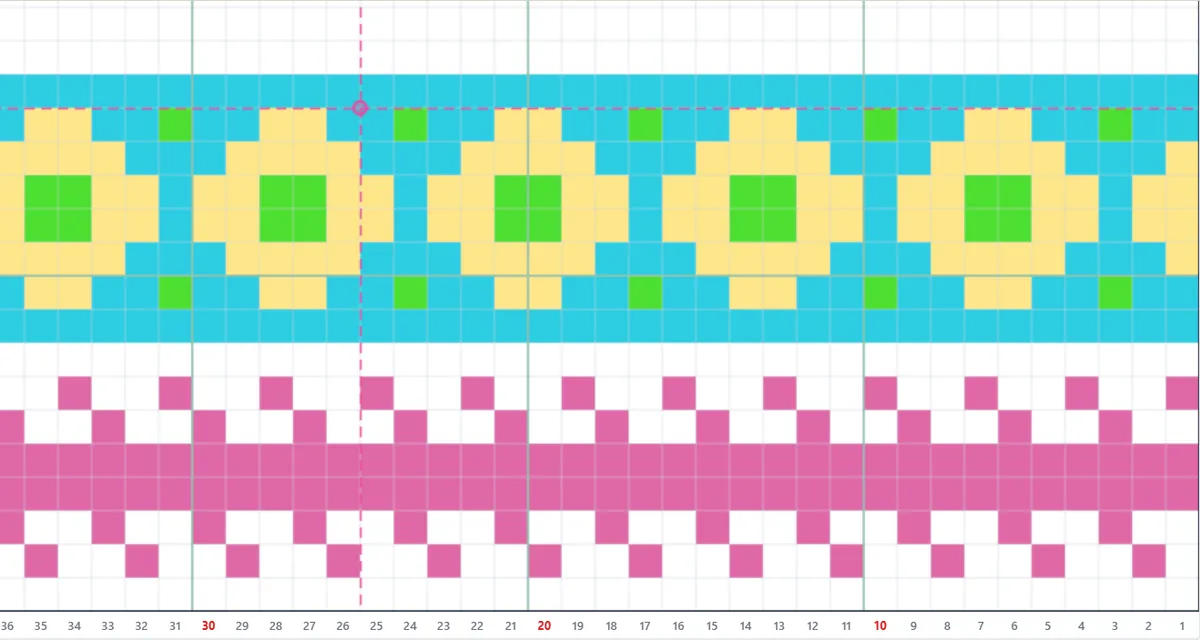
Colouring pattern repeats and colourwork
Jacquard and intarsia become a pleasure. You paint cell backgrounds — one by one or in a single gesture — then move and repeat a finished fragment together with its colours. The colour composition settles smoothly, without the labour of counting every stitch by hand.
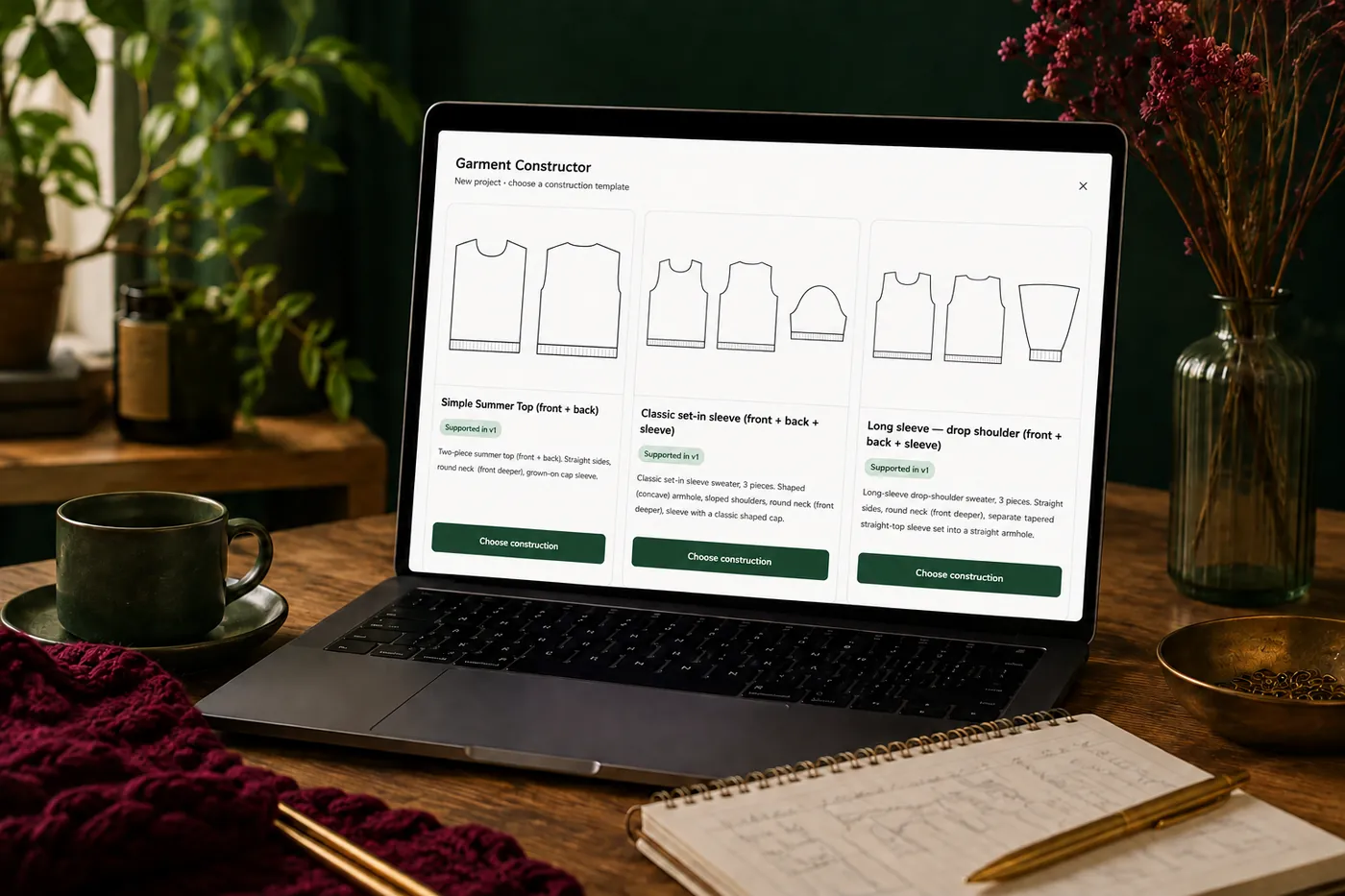
Garment constructor
This is where true precision lives. You choose a construction — a simple top, a classic set-in sleeve, or a long drop-shoulder sleeve — enter your gauge and measurements, and KnitLab calculates the whole piece: body, armholes, shoulders, neckline, sleeve. No rounding in the dark, no “more or less”. You receive finished parts, cut exactly for you.
Sweater calculator, step by step
For those who want to understand every decision. From gauge and measurements comes a full sweater description — row by row. How many to cast on, when to begin the armhole, how to shape the neckline and the sleeve cap. Instead of guesswork you have a coherent, complete recipe you can trust.
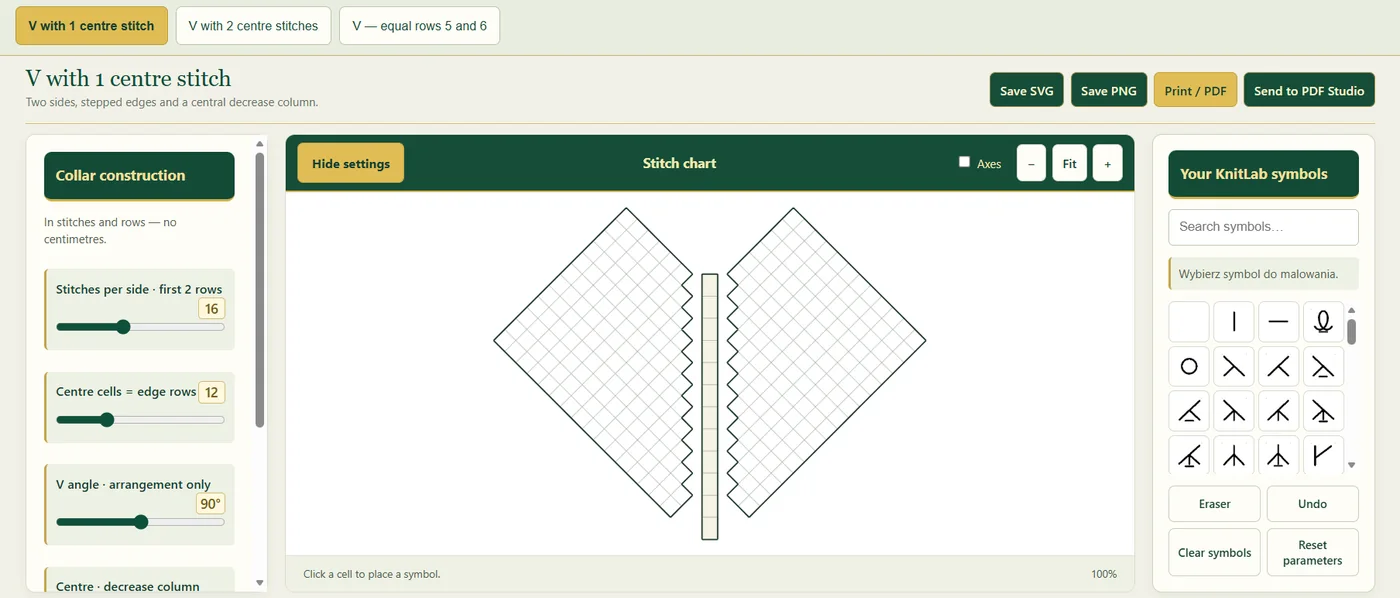
Neckline constructor
The neckline decides the character of the whole, so it has a place of its own. You draw its shape on the grid — from a deep V to a soft oval — fit it to your project, and carry the finished outline forward. Full freedom, full control.
Underlay layer
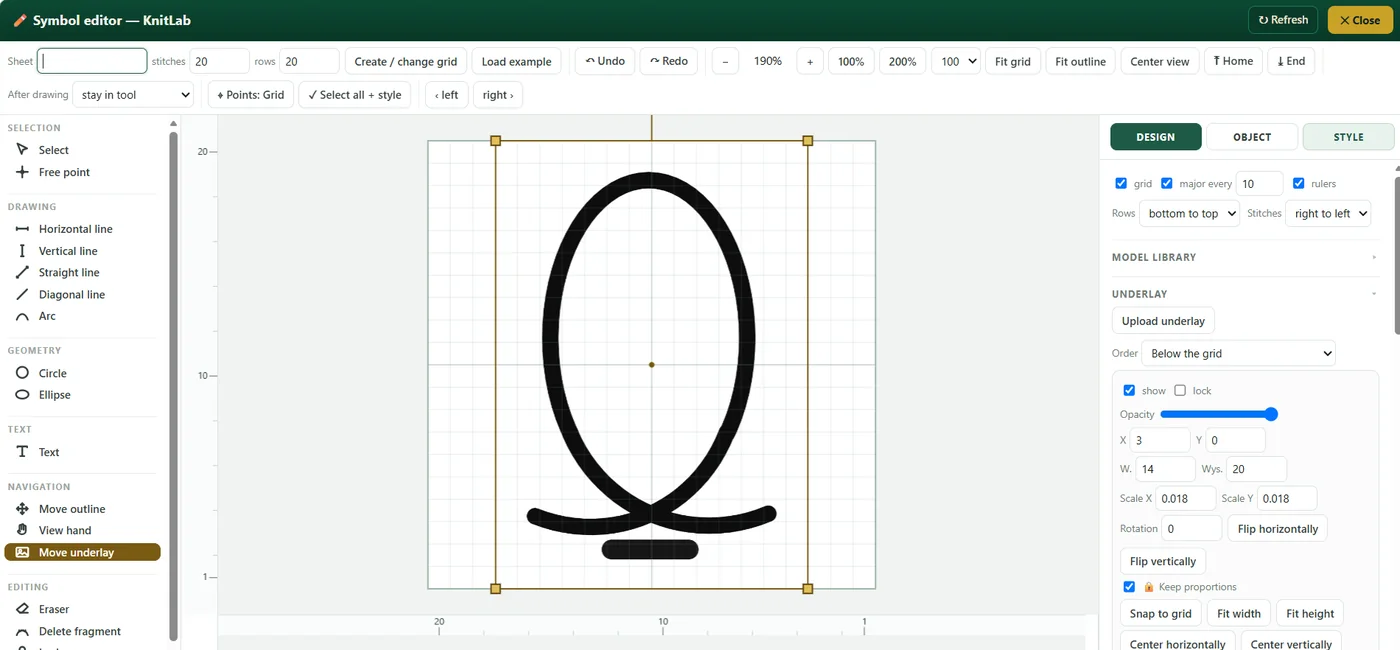
Beneath the chart you can place your own sketch and trace it with full control — move it, scale it, rotate it until every line finds its place. That is how a freehand idea becomes a clean, precise pattern — exactly as you imagined it.
Yarn calculator
How much yarn do you really need? You weigh a small swatch, enter its measurements and the measurements of the project, and KnitLab estimates the requirement — for a sweater, a hat, a scarf, whatever you wish. A sensible starting point that saves both unnecessary purchases and the disappointment of running out on the last skein.
Knitting mode
When you begin to knit, the application stays with you on every row — it shows exactly where you are, so that after putting the work down you return without a moment of hesitation. The rhythm of making stays intact.
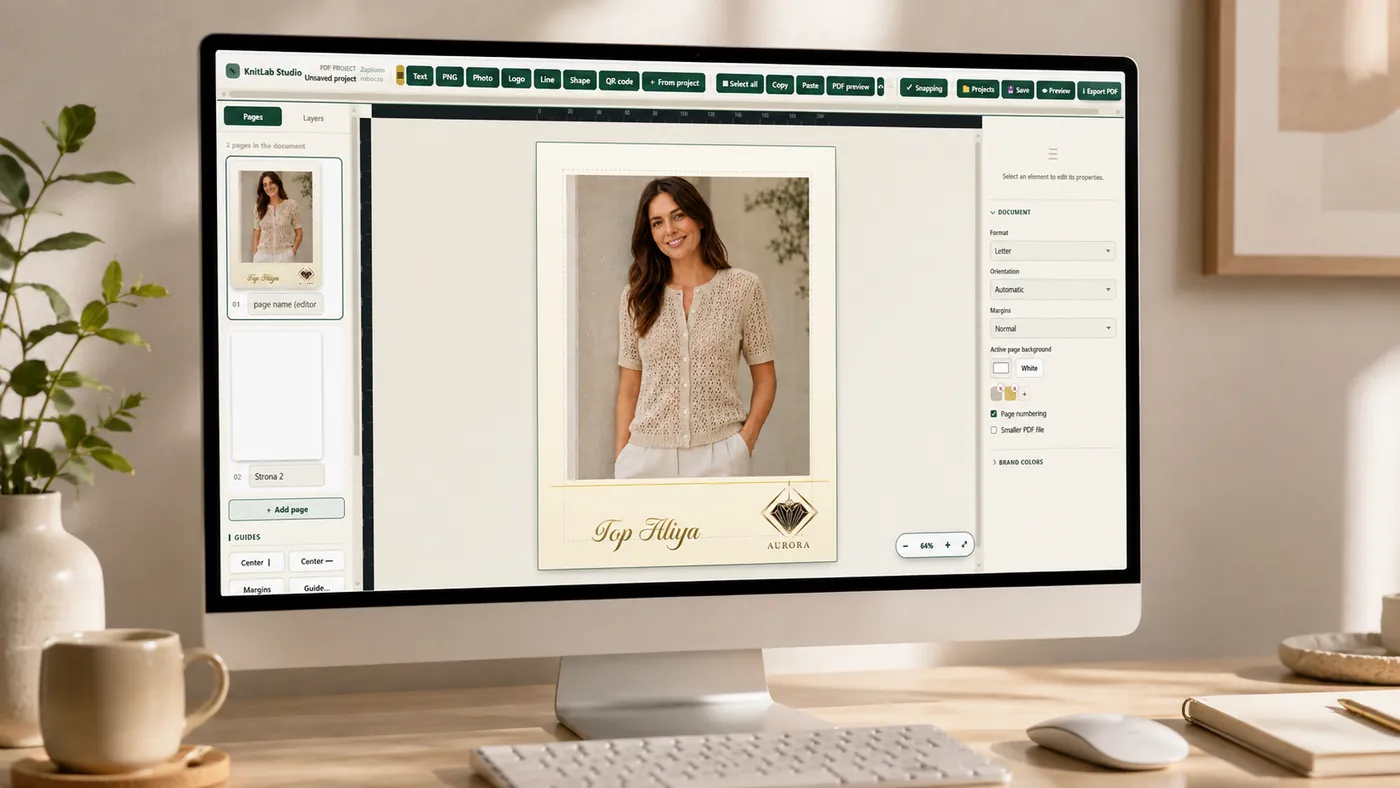
PDF studio
At the end your project becomes a refined PDF pattern. You arrange the pages yourself — charts, notes, photographs, logo, your own fonts, a cover — and decide how it should look. You print the result or send it on as a finished, elegant instruction. This is the moment when your work begins to look like a magazine cover.